 DirtScan
 Introduction to DirtScan - March 2026 Update
By Matthew Hilton, DirtScan FounderWelcome to the first DirtScan blog post! As the project evolves, I hope this is able to keep everyone informed about what is happening on the inside.
Since this is the first post, I’ll go through an overview of the current process.
A trail is scanned with a GoPro
GoPros are very common and very good at taking photos. In this case, we use the 0.5s timelapse feature and fix the ISO and white balance. Then we just walk the trail, taking photos along the way, and scanning around any extra areas (e.g. drain pipes, rocks) that might be of interest.
Photos are processed into a 3D model
Through much trial and error, Agisoft’s Metashape appears to be the only reasonably priced software that can correctly handled GoPro’s fisheye lenses (which is very important!).
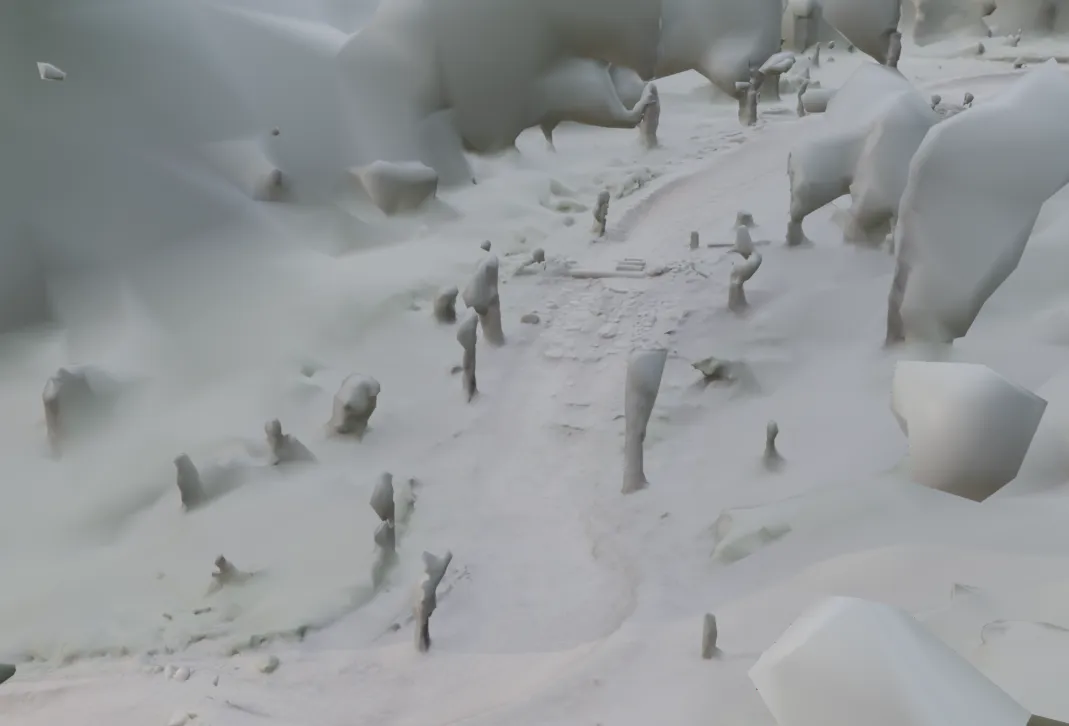
It would produce something like this:
Cleanup
The above photo shows you that while the trail itself scans really well (because that’s where the photos are taken), everything around the trail turns to blobs (including trees, because the backs of them are not scanned).
So after this, the data is processed using a custom Blender pipeline that uses a number of operations to clean these.
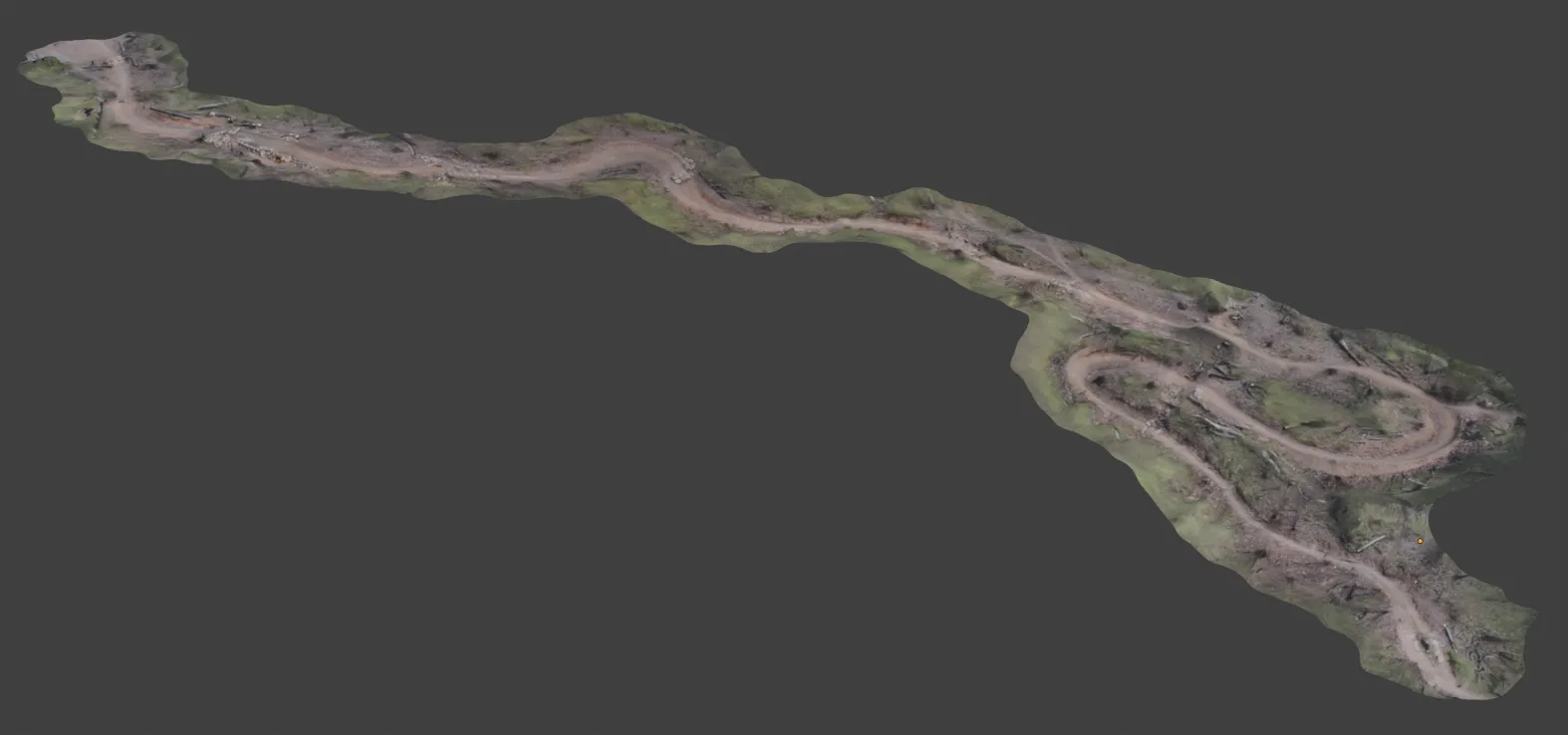
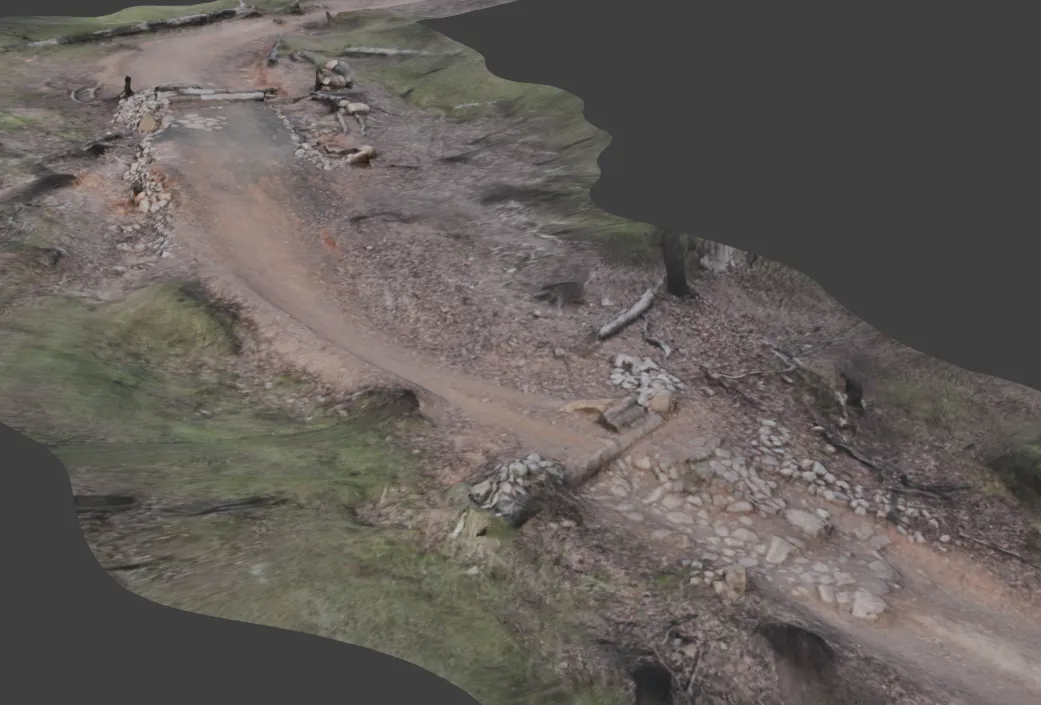
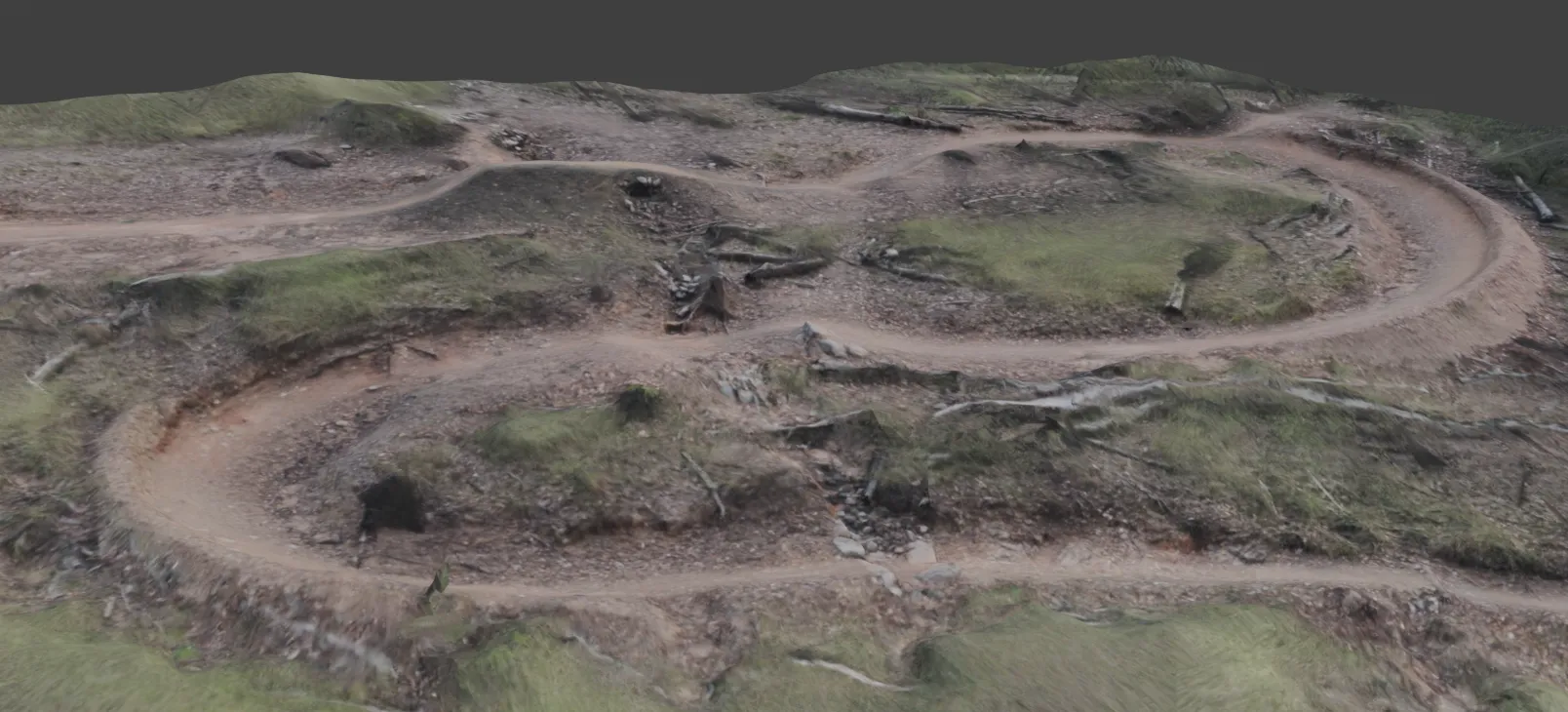
After cleanup, they are re-imported into Metashape for texturing, which results in the following:
Connecting together
After this, we are left with 8-10 3D models each of a section of the whole trail. The next step is to stitch these together.
Using topography data, we can get a 3D model of the landscape, which the trail part 3D models are placed onto. The terrain is then adjusted to fit the 3D models exactly.
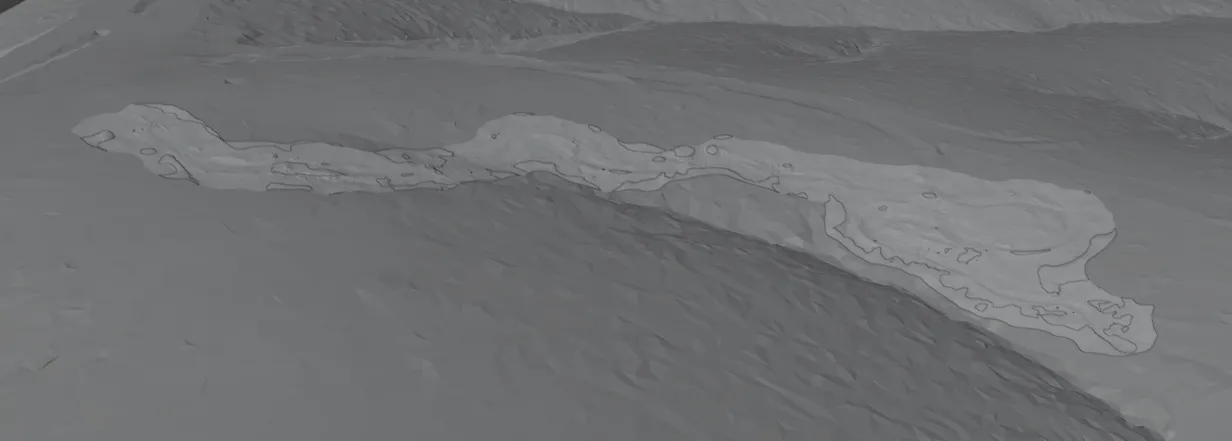
The first trail, coming soon
The above images are from the Jurassic trail. This will be the first trail live on the DirtScan website (here!) in the coming months.
There is still a laundry list of issues to resolve, including:
- Various alignment issues causing slight misalignments in the 3D models
- Texturing improvements (e.g. when trees are removed, their textures should not appear on the model afterwards)
- World map - Eventually, the world map will include data (lines, information, guides) and “faker” models (e.g. trees, shrubs, background models - placed around the map)